AI Background Remover

We’ll help you to find the best AI tools for your everyday tasks in work with AI Background Remover

32 tools available in this category.

Online Video Editor

Online Video Editor↗

35K

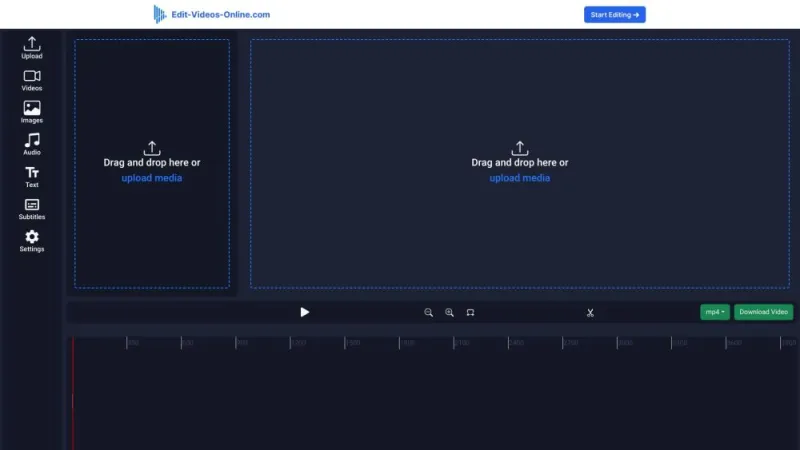
This website offers a comprehensive suite of tools for editing videos directly in your browser. Users can trim, merge, and adjust their video clips without the need for any software downloads. The platform supports various file formats, ensuring compatibility with most video types. It also provides features like adding text, applying filters, and incorporating background music. The user-friendly interface is designed for both beginners and experienced editors, making video editing accessible to everyone. Additionally, the site guarantees privacy and security, ensuring that your video files remain confidential throughout the editing process.

USA10.57%
PhotoRoom

PhotoRoom↗

12M

This platform offers a versatile photo editing tool designed for both professionals and amateurs. Users can effortlessly remove backgrounds, enhance images, and create stunning visuals with just a few clicks. The intuitive interface ensures a seamless experience, allowing for quick adjustments and creative customizations. With a wide array of templates and design elements, it caters to various needs, from social media posts to e-commerce product photos. The tool also supports batch processing, saving time for those handling multiple images. Accessible on both web and mobile, it empowers users to create high-quality content anytime, anywhere.

India11.51%
PixCleaner

PixCleaner↗

55K

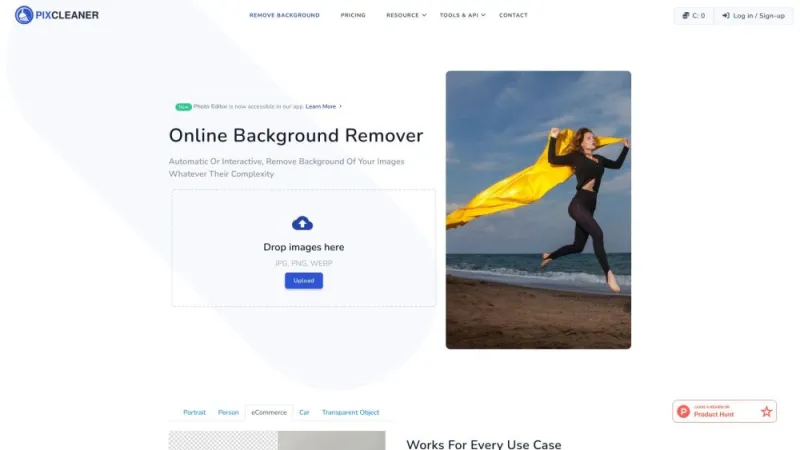
This online platform specializes in removing backgrounds from images quickly and effortlessly. Users can upload their photos and receive a clean, transparent background in seconds, thanks to advanced AI technology. The service supports various image formats and ensures high-quality results suitable for professional use. It is user-friendly, requiring no technical skills, making it accessible for everyone from graphic designers to casual users. The platform also offers customization options, allowing users to refine the output to their specific needs. With its streamlined interface and efficient processing, it is an essential tool for anyone needing precise background removal.

India12.81%
PixelBin

PixelBin↗

1M

This platform offers a comprehensive solution for managing and optimizing images for the web. Users can effortlessly upload, edit, and enhance images through an intuitive interface. The service includes features such as automated image resizing, format conversion, and performance optimization to ensure fast loading times. Advanced tools like background removal, watermarking, and image filtering are also available. The platform supports integration with various content management systems, making it easy to incorporate into existing workflows. With a focus on simplicity and efficiency, it aims to streamline the process of handling images, ultimately improving website performance and user experience.

Russia13.61%
Pixelcut

Pixelcut↗

5M

This innovative platform offers a suite of tools designed to streamline the process of creating professional-quality visuals. It features AI-powered functionalities that assist users in generating stunning images, removing backgrounds, and enhancing photos with ease. The user-friendly interface ensures that even those with minimal design experience can produce high-quality results. Additionally, the platform supports batch processing, enabling users to edit multiple images simultaneously, saving valuable time. Whether for social media, marketing, or personal projects, this tool provides a comprehensive solution for all visual content needs, making it an essential resource for designers, marketers, and content creators alike.

India18.04%
Pixlr

Pixlr↗

12M

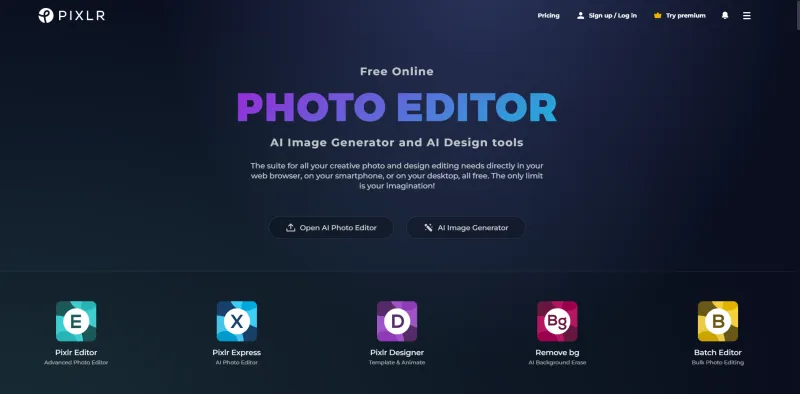
This online platform offers a comprehensive suite of photo editing tools that cater to both amateur and professional users. It features an intuitive interface, making it easy to enhance, crop, and adjust images with a variety of filters and effects. Users can access advanced features such as layers, masks, and blending modes, typically found in more expensive software. The platform supports multiple file formats and provides seamless integration with cloud storage services. Additionally, it offers templates and design resources for creating social media graphics, presentations, and more. Accessible from any browser, it ensures a versatile and user-friendly editing experience.

USA27.94%
Remove Background

Remove Background↗

49K

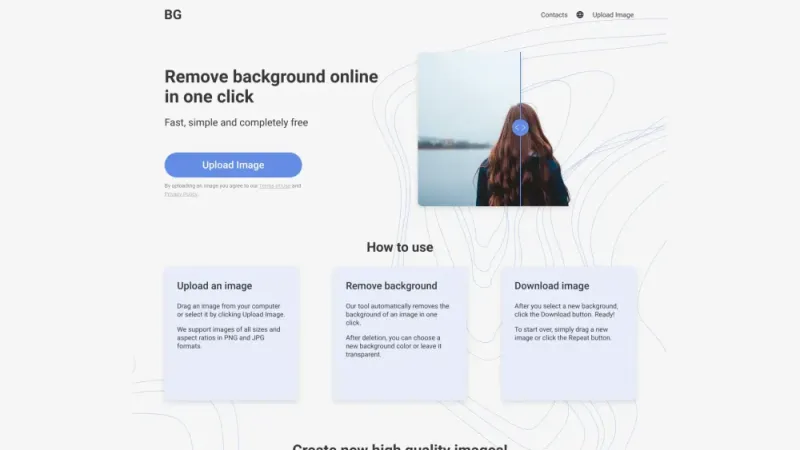
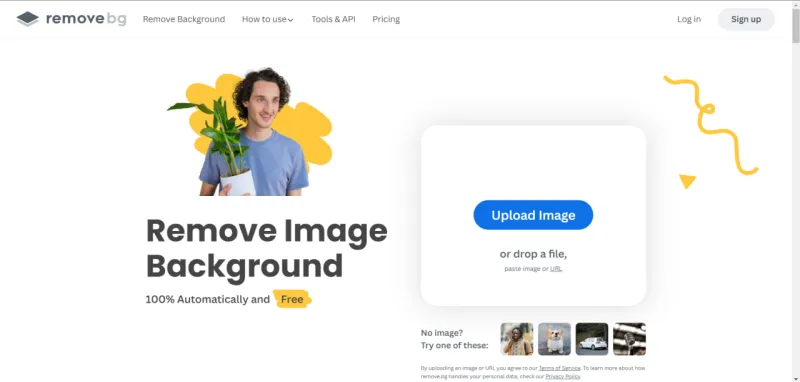
This online platform offers a quick and efficient solution for removing backgrounds from images. Utilizing advanced AI technology, it automatically detects and removes the background, leaving a clean and precise cutout of the subject. Users can upload any image format and receive high-quality results within seconds. The tool is user-friendly, requiring no technical skills, making it accessible for everyone from professionals to casual users. Additional features include options for fine-tuning the cutout and downloading the final image in various formats. This service is ideal for e-commerce, graphic design, social media, and personal projects.

Andorra4.12%
Remove Background AI

Remove Background AI↗

16K

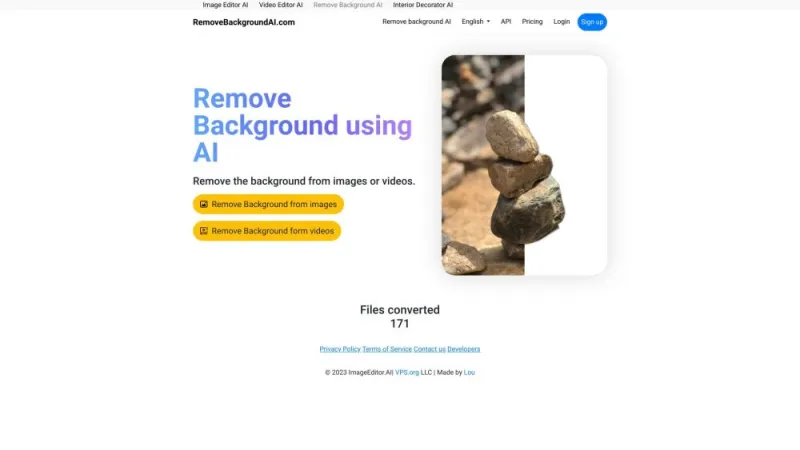
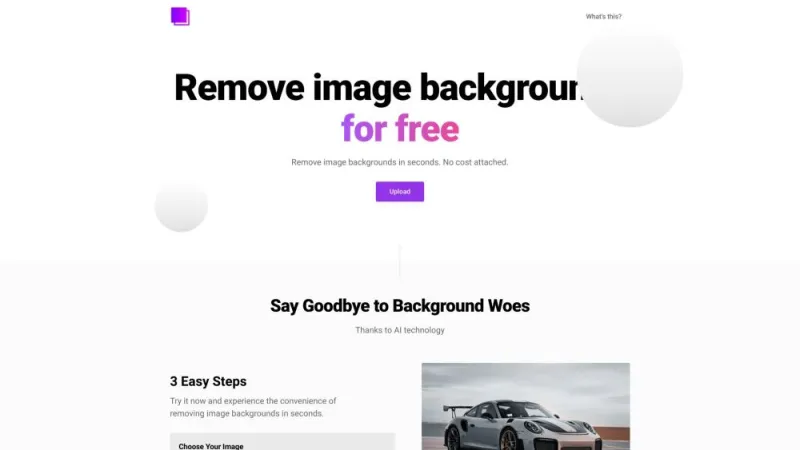
This website offers a powerful tool for removing backgrounds from images quickly and efficiently. Utilizing advanced AI technology, it allows users to upload photos and automatically eliminates the background, leaving a clean, transparent image. The service is perfect for creating professional-looking visuals for various purposes, such as e-commerce, social media, and graphic design. It supports multiple image formats and ensures high-quality results with minimal effort. The user-friendly interface makes it accessible for both beginners and professionals, providing a seamless experience for anyone looking to enhance their photos by isolating subjects from their backgrounds.

Turkey5.20%
Remove bg

Remove bg↗

62M

What is AI Background Remover

AI Background Remover represents a groundbreaking technological advancement in image editing. This innovative tool harnesses the power of artificial intelligence to automatically detect and remove backgrounds from images with remarkable precision and efficiency. By leveraging complex algorithms and machine learning techniques, AI Background Remover can distinguish between the main subject of an image and its background, seamlessly separating the two elements.

The applications of AI Background Remover are vast and diverse, catering to both professional and personal needs. Graphic designers, photographers, e-commerce businesses, and social media enthusiasts alike find immense value in this technology. It simplifies the once time-consuming process of image manipulation, allowing users to create professional-looking visuals in a fraction of the time it would take using traditional methods.

How does AI Background Remover tools work?

The functionality of AI Background Remover tools is rooted in sophisticated machine learning models, particularly deep learning neural networks. These models are trained on extensive datasets comprising millions of images, enabling them to recognize patterns, edges, and object boundaries with incredible accuracy. The process typically involves several key steps:

  1. Image Analysis: The AI first analyzes the input image to identify the primary subject and distinguish it from the background.
  2. Segmentation: Using advanced algorithms, the tool segments the image, creating a precise outline around the main subject.
  3. Background Removal: The identified background is then removed, leaving only the main subject intact.
  4. Refinement: Many tools include a refinement step to smooth edges and ensure a natural-looking result.
  5. Output Generation: The final image is generated, often with a transparent background, ready for further editing or use.

The efficiency and accuracy of these tools continue to improve as AI technology advances, making them increasingly indispensable in various fields. From product photography for e-commerce to creating compelling marketing materials, AI Background Remover tools streamline workflows and open up new creative possibilities.

Best AI Background Remover

When it comes to selecting the best AI Background Remover, several factors come into play. The ideal tool should offer a balance of accuracy, ease of use, and versatility. Top-tier solutions in this category typically boast features such as:

  • High Precision: The ability to accurately detect and remove backgrounds, even in complex images with intricate details.
  • User-Friendly Interface: An intuitive design that allows both beginners and professionals to navigate and use the tool effectively.
  • Batch Processing: The capability to handle multiple images simultaneously, saving time for users with large volumes of content.
  • Customization Options: Advanced settings that allow users to fine-tune the results according to their specific needs.
  • Integration Capabilities: Seamless integration with other design tools and platforms for a streamlined workflow.
  • Output Formats: Support for various file formats, including those with transparency like PNG and WebP.

The best AI Background Remover tools also offer continuous improvements through regular updates, ensuring they stay at the forefront of technological advancements. They often provide customer support and educational resources to help users maximize the tool's potential. When choosing the right tool, it's essential to consider your specific requirements, budget, and the level of complexity in your typical image editing tasks.

AI Background Remover Tools

The landscape of AI Background Remover tools is diverse, with options ranging from standalone applications to integrated features within larger image editing suites. These tools cater to various user needs, from quick, one-off edits to professional-grade, high-volume processing. Some common categories of AI Background Remover tools include:

  1. Web-Based Solutions: These offer the convenience of browser-based editing without the need for software installation. They're often suitable for quick edits and casual users.
  2. Desktop Applications: More robust options that provide advanced features and processing power, ideal for professionals and businesses with high-volume needs.
  3. Mobile Apps: Designed for on-the-go editing, these apps bring the power of AI Background Removal to smartphones and tablets.
  4. API Services: Tailored for developers and businesses looking to integrate background removal capabilities into their own applications or workflows.
  5. Plugin Extensions: These integrate seamlessly with popular design software, enhancing existing tools with AI-powered background removal.

Each category of tool offers unique advantages, and the choice often depends on factors such as the user's technical expertise, the volume of images to be processed, and specific feature requirements. As AI technology continues to evolve, these tools are becoming increasingly sophisticated, offering more accurate results and expanded capabilities to meet the growing demands of various industries.

AI Background Remover Free

The availability of both paid and free AI Background Remover tools provides options for users with different needs and budgets. Free tools can be an excellent starting point for those new to AI-powered image editing or for casual users with occasional needs. These free options often offer basic functionality that can suffice for simple background removal tasks.

However, it's important to note that free tools may come with certain limitations compared to their paid counterparts. These limitations can include:

  • Reduced accuracy in complex images
  • Lower resolution outputs
  • Limited number of edits per day or month
  • Watermarks on processed images
  • Fewer customization options
  • Lack of advanced features like batch processing

Despite these potential drawbacks, free AI Background Remover tools can still provide significant value, especially for personal projects or small businesses with modest image editing needs. They offer an opportunity to explore the capabilities of AI in image manipulation without financial commitment. For users who find themselves frequently using these tools or requiring more advanced features, upgrading to a paid version might be a worthwhile investment to access premium functionalities and overcome the limitations of free alternatives.

Ultimately, the choice between free and paid AI Background Remover tools depends on individual or business requirements, the volume of images to be processed, and the level of quality and features needed. By exploring various options, users can find the tool that best fits their specific needs and budget constraints, whether it's a free solution for occasional use or a comprehensive paid tool for professional applications.

in13.65%
RemoveBG

RemoveBG↗

48K

This online tool allows users to effortlessly remove backgrounds from images. Utilizing advanced AI technology, it provides precise and quick results, making it ideal for personal and professional use. Users can upload their photos and receive a transparent background version in seconds, enhancing the quality of presentations, marketing materials, and social media posts. The interface is user-friendly, requiring no technical skills or software installation. Additionally, it supports various image formats and offers high-resolution output. This service is perfect for designers, photographers, and anyone needing clean, background-free images efficiently.

Afghanistan4.36%
RemovePanda

RemovePanda↗

< 1K

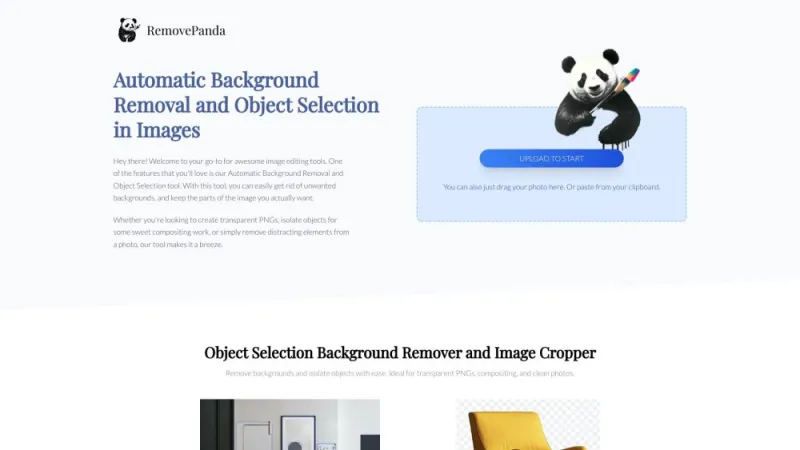
This website offers a powerful tool for removing backgrounds from images quickly and effortlessly. Users can upload their photos and receive a clean, transparent background within seconds. The service supports various image formats and ensures high-quality results without the need for professional editing skills. It is designed to cater to individuals, businesses, and creative professionals who require precise background removal for marketing materials, product images, or personal projects. The platform is user-friendly, with an intuitive interface that makes the process straightforward. Additionally, it provides options for bulk processing, making it ideal for handling large volumes of images efficiently.

restorePhotos.io

restorePhotos.io↗

487K

This website offers a powerful AI-driven solution for restoring old or damaged photographs. Users can easily upload their images and have them enhanced through advanced algorithms that improve clarity, repair imperfections, and restore lost details. The platform is designed to be user-friendly, requiring no technical expertise, and delivers high-quality results quickly. It supports various image formats and provides a seamless experience for preserving precious memories. The service is ideal for both personal use and professional applications, ensuring that cherished photos are given new life with minimal effort.

Brazil15.53%

What is AI Background Remover

AI Background Remover represents a groundbreaking technological advancement in image editing. This innovative tool harnesses the power of artificial intelligence to automatically detect and remove backgrounds from images with remarkable precision and efficiency. By leveraging complex algorithms and machine learning techniques, AI Background Remover can distinguish between the main subject of an image and its background, seamlessly separating the two elements.

The applications of AI Background Remover are vast and diverse, catering to both professional and personal needs. Graphic designers, photographers, e-commerce businesses, and social media enthusiasts alike find immense value in this technology. It simplifies the once time-consuming process of image manipulation, allowing users to create professional-looking visuals in a fraction of the time it would take using traditional methods.

How does AI Background Remover tools work?

The functionality of AI Background Remover tools is rooted in sophisticated machine learning models, particularly deep learning neural networks. These models are trained on extensive datasets comprising millions of images, enabling them to recognize patterns, edges, and object boundaries with incredible accuracy. The process typically involves several key steps:

  1. Image Analysis: The AI first analyzes the input image to identify the primary subject and distinguish it from the background.
  2. Segmentation: Using advanced algorithms, the tool segments the image, creating a precise outline around the main subject.
  3. Background Removal: The identified background is then removed, leaving only the main subject intact.
  4. Refinement: Many tools include a refinement step to smooth edges and ensure a natural-looking result.
  5. Output Generation: The final image is generated, often with a transparent background, ready for further editing or use.

The efficiency and accuracy of these tools continue to improve as AI technology advances, making them increasingly indispensable in various fields. From product photography for e-commerce to creating compelling marketing materials, AI Background Remover tools streamline workflows and open up new creative possibilities.

Best AI Background Remover

When it comes to selecting the best AI Background Remover, several factors come into play. The ideal tool should offer a balance of accuracy, ease of use, and versatility. Top-tier solutions in this category typically boast features such as:

  • High Precision: The ability to accurately detect and remove backgrounds, even in complex images with intricate details.
  • User-Friendly Interface: An intuitive design that allows both beginners and professionals to navigate and use the tool effectively.
  • Batch Processing: The capability to handle multiple images simultaneously, saving time for users with large volumes of content.
  • Customization Options: Advanced settings that allow users to fine-tune the results according to their specific needs.
  • Integration Capabilities: Seamless integration with other design tools and platforms for a streamlined workflow.
  • Output Formats: Support for various file formats, including those with transparency like PNG and WebP.

The best AI Background Remover tools also offer continuous improvements through regular updates, ensuring they stay at the forefront of technological advancements. They often provide customer support and educational resources to help users maximize the tool's potential. When choosing the right tool, it's essential to consider your specific requirements, budget, and the level of complexity in your typical image editing tasks.

AI Background Remover Tools

The landscape of AI Background Remover tools is diverse, with options ranging from standalone applications to integrated features within larger image editing suites. These tools cater to various user needs, from quick, one-off edits to professional-grade, high-volume processing. Some common categories of AI Background Remover tools include:

  1. Web-Based Solutions: These offer the convenience of browser-based editing without the need for software installation. They're often suitable for quick edits and casual users.
  2. Desktop Applications: More robust options that provide advanced features and processing power, ideal for professionals and businesses with high-volume needs.
  3. Mobile Apps: Designed for on-the-go editing, these apps bring the power of AI Background Removal to smartphones and tablets.
  4. API Services: Tailored for developers and businesses looking to integrate background removal capabilities into their own applications or workflows.
  5. Plugin Extensions: These integrate seamlessly with popular design software, enhancing existing tools with AI-powered background removal.

Each category of tool offers unique advantages, and the choice often depends on factors such as the user's technical expertise, the volume of images to be processed, and specific feature requirements. As AI technology continues to evolve, these tools are becoming increasingly sophisticated, offering more accurate results and expanded capabilities to meet the growing demands of various industries.

AI Background Remover Free

The availability of both paid and free AI Background Remover tools provides options for users with different needs and budgets. Free tools can be an excellent starting point for those new to AI-powered image editing or for casual users with occasional needs. These free options often offer basic functionality that can suffice for simple background removal tasks.

However, it's important to note that free tools may come with certain limitations compared to their paid counterparts. These limitations can include:

  • Reduced accuracy in complex images
  • Lower resolution outputs
  • Limited number of edits per day or month
  • Watermarks on processed images
  • Fewer customization options
  • Lack of advanced features like batch processing

Despite these potential drawbacks, free AI Background Remover tools can still provide significant value, especially for personal projects or small businesses with modest image editing needs. They offer an opportunity to explore the capabilities of AI in image manipulation without financial commitment. For users who find themselves frequently using these tools or requiring more advanced features, upgrading to a paid version might be a worthwhile investment to access premium functionalities and overcome the limitations of free alternatives.

Ultimately, the choice between free and paid AI Background Remover tools depends on individual or business requirements, the volume of images to be processed, and the level of quality and features needed. By exploring various options, users can find the tool that best fits their specific needs and budget constraints, whether it's a free solution for occasional use or a comprehensive paid tool for professional applications.