AI Video Editor

AI Video Editor represents a revolutionary leap in the world of video production and post-processing.

27 tools available in this category.

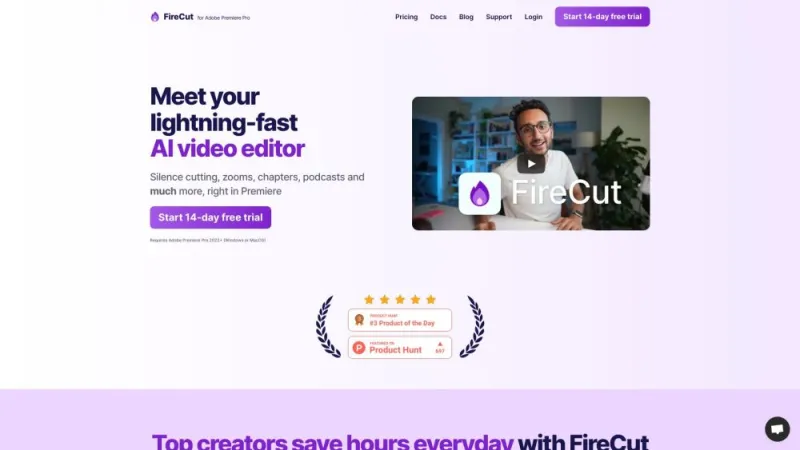
FireCut AI

FireCut AI↗

83K

This innovative platform offers a comprehensive suite of tools for video editing and content creation, leveraging advanced artificial intelligence to streamline the process. Users can effortlessly cut, trim, and merge video clips, apply filters, and add special effects with precision. The intuitive interface is designed to cater to both beginners and professionals, ensuring a seamless experience. Automated features such as scene detection and smart cropping enhance productivity, while cloud-based storage ensures accessibility from any device. This platform is an essential resource for anyone looking to create high-quality video content quickly and efficiently.

USA14.29%
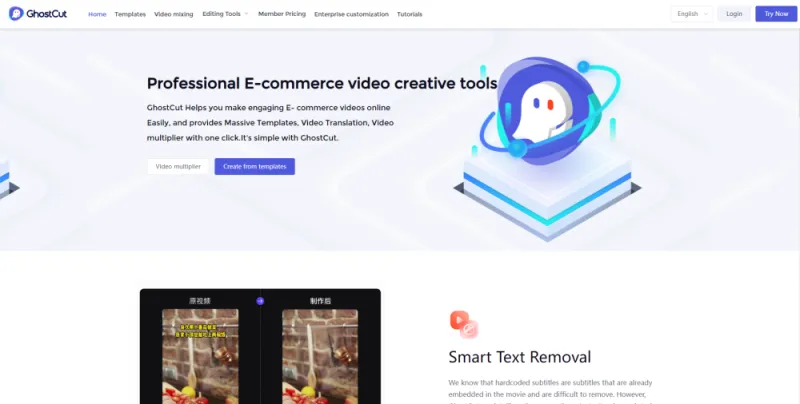
GhostCut

GhostCut↗

< 1K

This website offers a unique and engaging experience for users interested in creative photo and video editing. It provides a variety of tools and features that allow you to transform your media with ease. The platform is user-friendly, making it accessible for both beginners and experienced editors. With a wide range of filters, effects, and customization options, you can unleash your creativity and produce stunning results. The website also includes tutorials and tips to help you get the most out of its features. Whether for personal use or professional projects, this site is a valuable resource for any media enthusiast.

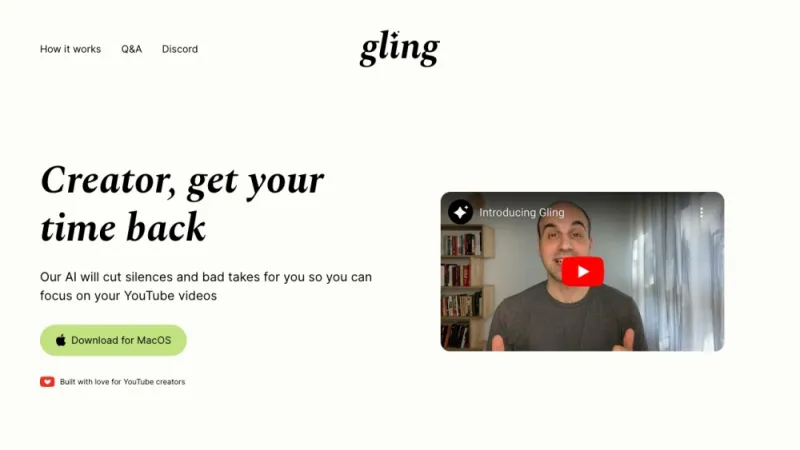
Gling AI

Gling AI↗

45K

This innovative platform leverages advanced AI technology to revolutionize video content creation. It allows users to effortlessly translate and dub videos into multiple languages while maintaining the original speaker's voice and lip-sync. The tool is designed for creators, educators, and businesses looking to expand their reach and engage a global audience. With user-friendly features, it simplifies the traditionally complex process of video translation, making it accessible to everyone. The platform ensures high-quality output, preserving the nuances and emotions of the original content. It's an essential solution for anyone aiming to break language barriers and enhance their video communication.

USA36.91%
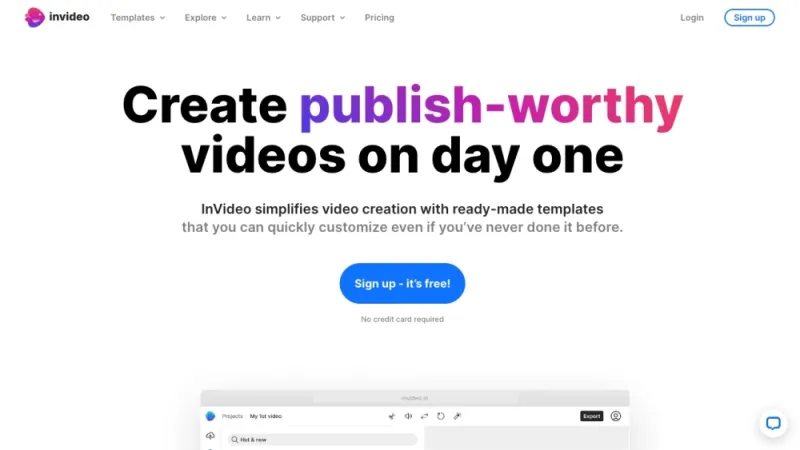
InVideo

InVideo↗

8M

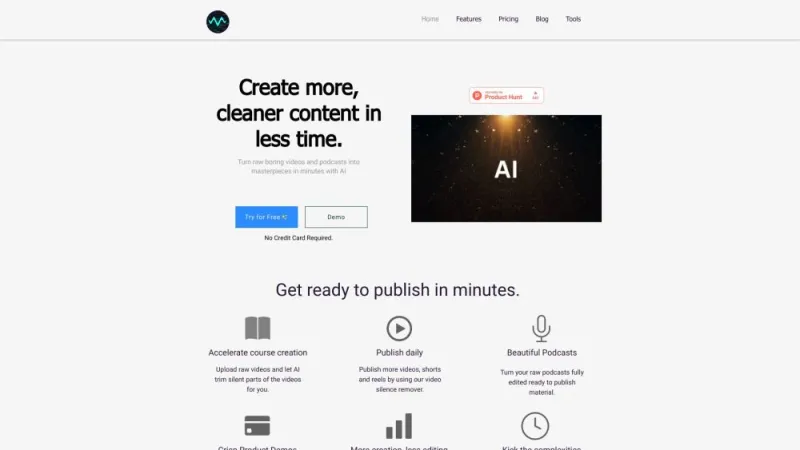
This platform offers an intuitive video creation tool designed for both beginners and professionals. It features a vast library of templates, stock footage, and music to streamline the video-making process. Users can easily edit videos with drag-and-drop functionality, add text, transitions, and effects to create engaging content. The platform supports various formats and is ideal for creating marketing videos, social media content, and promotional materials. Additionally, it offers collaborative features, allowing teams to work together seamlessly. With cloud storage, users can access their projects from anywhere, making it a versatile solution for video production needs.

USA20.22%
Kapwing

Kapwing↗

4M

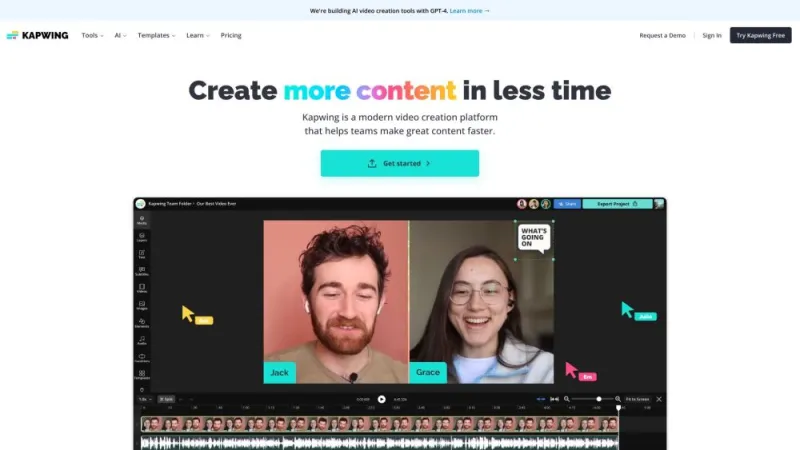
This online platform offers a versatile suite of tools for creating and editing multimedia content. Users can effortlessly edit videos, images, and GIFs directly in their web browser without the need for complex software. The platform provides features like trimming, resizing, adding subtitles, and applying various effects, making it ideal for both beginners and professionals. Collaboration is streamlined with real-time editing and sharing capabilities. Additionally, it supports a wide range of file formats and integrates seamlessly with popular social media platforms, enabling easy content distribution. Its user-friendly interface ensures a smooth and efficient creative process for all types of projects.

USA25.09%
Lumen5

Lumen5↗

599K

This platform is a user-friendly video creation tool designed to transform text content into engaging videos. It employs AI technology to simplify the video production process, making it accessible even for those without prior video editing experience. Users can easily convert blog posts, articles, or any text into professional-looking videos by choosing from a variety of templates, adding images, music, and animations. The drag-and-drop interface ensures a seamless experience, while the extensive media library provides ample resources to enhance videos. Ideal for content marketers, educators, and businesses, this tool helps amplify reach and engagement through visually appealing content.

USA13.03%
Nero Software

Nero Software↗

1M

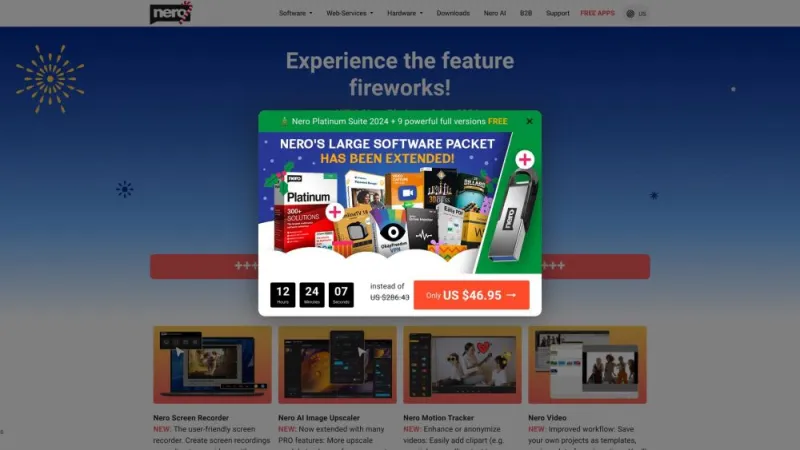
This website offers a comprehensive suite of multimedia software solutions designed for various digital needs. Users can find tools for video editing, burning, and backup, as well as software for managing and organizing photos, music, and videos. The platform is user-friendly, providing both beginners and professionals with intuitive interfaces and powerful features. It supports a wide range of formats and devices, ensuring compatibility and ease of use. Additionally, the site offers customer support, tutorials, and updates to help users maximize their experience. The focus is on delivering high-quality, reliable, and efficient multimedia solutions.

USA15.63%
Snapy AI

Snapy AI↗

36K

This website offers an advanced AI-driven platform designed to enhance productivity and streamline workflows. It provides a comprehensive suite of tools for automating various tasks, including content creation, data analysis, and customer engagement. Users can leverage cutting-edge machine learning algorithms to generate high-quality text, analyze complex datasets, and interact with customers more efficiently. The platform is user-friendly, making it accessible for individuals and businesses of all sizes. With a focus on innovation and efficiency, it aims to save time and resources, allowing users to focus on more strategic activities. The service is continually updated to incorporate the latest technological advancements.

USA5.05%
TinyStudio

TinyStudio↗

< 1K

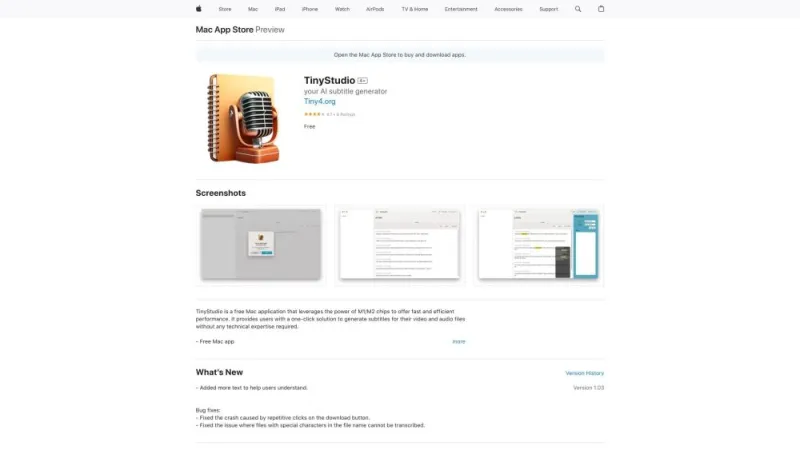
Discover a powerful yet user-friendly photo editor designed for creators on the go. This app offers a wide range of professional editing tools, including filters, effects, and advanced color correction. Enhance your images with precision cropping, resizing, and retouching features. The intuitive interface makes it easy to apply adjustments and see real-time changes. Perfect for both beginners and experienced photographers, it supports high-resolution exports and seamless sharing to social media platforms. Achieve stunning results with minimal effort, and transform your photos into captivating visual stories. Experience creativity and functionality combined in a sleek, mobile-friendly package.

USA24.06%
Video Editor AI

Video Editor AI↗

13K

This platform offers an intuitive, AI-powered video editing experience designed for users of all skill levels. With its user-friendly interface, it allows you to effortlessly trim, cut, and merge video clips, as well as apply a variety of filters, transitions, and effects. The AI technology automatically enhances video quality, stabilizes shaky footage, and adjusts lighting and color balance. Additionally, the platform supports multi-track editing, enabling you to add background music, voiceovers, and text overlays. Export options include various formats and resolutions, ensuring compatibility with different devices and social media platforms. No prior editing experience is required to create professional-quality videos.

Vietnam9.95%
VideoPix Editor

VideoPix Editor↗

< 1K

This website offers an innovative tool for video transformation using machine learning. It allows users to upload videos and apply various artistic filters and effects, transforming the original footage into creative, stylized versions. The platform leverages advanced algorithms to ensure high-quality output while maintaining the video's original structure. Users can preview the changes in real-time and adjust settings to achieve the desired look. The site is user-friendly, making it accessible for both beginners and professionals interested in video editing and enhancement. This tool is ideal for content creators looking to add a unique touch to their videos.

China13.18%
VoCut

VoCut↗

8K

This platform offers users a comprehensive suite of tools for creating and editing videos online. It features an intuitive interface that allows for easy trimming, merging, and cropping of video files. Users can also add text, music, and various effects to enhance their videos. The site supports multiple file formats and provides a secure, cloud-based environment for storing and sharing projects. With no need for software downloads, it caters to both beginners and professionals looking for a quick and efficient video editing solution. The service is accessible from any device with an internet connection, ensuring flexibility and convenience.

Turkey13.82%

What is AI Video Editor

AI Video Editor represents a revolutionary leap in the world of video production and post-processing. This cutting-edge technology harnesses the power of artificial intelligence to streamline and enhance the video editing process, making it more accessible, efficient, and creative than ever before. By leveraging machine learning algorithms and advanced computer vision techniques, AI Video Editors can automate many time-consuming tasks that traditionally required manual input from skilled professionals.

These innovative tools are designed to assist both novice enthusiasts and seasoned professionals in creating high-quality video content with minimal effort. They offer a wide range of features, from basic editing functions like trimming and splicing to more advanced capabilities such as automatic scene detection, color correction, and even content generation. The primary goal of AI Video Editors is to simplify the editing workflow, reduce production time, and unleash creativity by allowing users to focus more on storytelling and less on technical aspects.

How does AI Video Editor tools work?

AI Video Editor tools operate on sophisticated algorithms and neural networks that have been trained on vast datasets of video content. These systems can recognize patterns, understand context, and make intelligent decisions about video editing based on learned information. Here's a breakdown of how these tools typically function:

  1. Video Analysis: When a user uploads a video, the AI first analyzes the content frame by frame. It identifies key elements such as objects, people, scenes, and transitions.
  2. Automated Editing: Based on the analysis, the AI can suggest or automatically perform edits. This may include removing shaky footage, trimming dead space, or creating highlight reels of the most engaging moments.
  3. Smart Enhancements: AI algorithms can enhance video quality by adjusting brightness, contrast, and color balance. Some advanced tools can even upscale resolution or stabilize shaky footage.
  4. Audio Processing: Many AI Video Editors also incorporate audio analysis to detect and reduce background noise, balance audio levels, or even generate subtitles automatically.
  5. Style Transfer: Utilizing deep learning techniques, these tools can apply artistic styles to videos, transforming their visual appearance to match specific aesthetics or themes.

The beauty of AI Video Editor tools lies in their ability to learn and improve over time. As they process more videos and receive user feedback, their algorithms become more refined, leading to increasingly accurate and creative editing suggestions. This iterative learning process ensures that the technology continues to evolve and adapt to changing video production trends and user preferences.

Best AI Video Editor

When it comes to selecting the best AI Video Editor, several factors come into play. The ideal tool should offer a balance between powerful AI-driven features and user-friendly interfaces, catering to both beginners and professionals alike. While specific product recommendations are beyond the scope of this overview, here are some key features to look for in a top-tier AI Video Editor:

  • Intuitive User Interface: A clean, easy-to-navigate interface that doesn't overwhelm users with complex controls.
  • Advanced AI Capabilities: Look for tools that offer cutting-edge features like automatic scene detection, smart cropping, and AI-powered color grading.
  • Customization Options: While automation is helpful, the best tools also allow users to fine-tune AI-generated edits to maintain creative control.
  • Multi-platform Support: Compatibility with various devices and operating systems ensures flexibility in your workflow.
  • Cloud Integration: Cloud-based editing and storage options can significantly enhance collaboration and accessibility.
  • Regular Updates: The AI landscape is rapidly evolving, so choose a tool that frequently updates its features and algorithms.

Remember, the "best" AI Video Editor can vary depending on individual needs and skill levels. Some users might prioritize simplicity and speed for quick social media content, while others may require more advanced features for professional-grade productions. It's always recommended to explore different options, take advantage of free trials when available, and read user reviews to find the tool that best aligns with your specific requirements.

AI Video Editor Tools

The market for AI Video Editor tools is diverse and rapidly expanding, offering a wide array of options to suit different needs and skill levels. These tools can be broadly categorized into several types, each with its own strengths and target users:

  1. All-in-One Suites: These comprehensive platforms offer a full range of editing features, from basic cuts to advanced AI-powered enhancements. They're ideal for users who want a one-stop solution for all their video editing needs.
  2. Mobile Apps: Designed for on-the-go editing, these apps leverage AI to provide powerful editing capabilities on smartphones and tablets. They're perfect for social media content creators and vloggers who need quick, high-quality edits.
  3. Cloud-Based Editors: These tools operate entirely in the cloud, allowing for collaborative editing and access from any device with an internet connection. They often utilize distributed computing power to process AI-driven edits more quickly.
  4. Specialized Tools: Some AI Video Editors focus on specific aspects of video production, such as automatic subtitling, color grading, or motion graphics generation. These can be invaluable for users with particular editing requirements.

When evaluating AI Video Editor tools, consider factors such as processing speed, output quality, supported file formats, and integration with other software in your workflow. Many tools offer tiered pricing models, allowing users to start with basic features and upgrade as their needs grow. It's also worth noting that some traditional video editing software is incorporating AI features, blending familiar interfaces with cutting-edge AI capabilities.

AI Video Editor Free

For those looking to explore the world of AI-powered video editing without financial commitment, there are indeed options available that cater to various needs and skill levels. While premium tools often offer more advanced features and higher processing capabilities, free AI Video Editor tools can be an excellent starting point for beginners or a viable option for casual users.

It's important to note that you can find both paid and free tools in our comprehensive catalog. Free options typically offer a subset of features found in their paid counterparts but can still provide significant value. Here are some characteristics often found in free AI Video Editor tools:

  • Basic AI-Powered Features: Automated video trimming, simple color correction, and basic transitions.
  • Limited Processing Time: Free versions may have restrictions on video length or processing time.
  • Watermarks: Some free tools may add watermarks to exported videos.
  • Community Support: Instead of dedicated customer service, free tools often rely on community forums for user support.
  • Cloud Storage Limitations: Free versions may offer limited cloud storage for projects and assets.

When exploring free AI Video Editor options, it's crucial to consider your specific needs and the limitations of each tool. Some may offer a free tier with basic AI features, while others provide a trial period for their full suite of tools. By carefully evaluating the available options, you can find a tool that balances functionality with cost-effectiveness, allowing you to harness the power of AI in your video editing projects without breaking the bank.

Remember, as you grow more comfortable with AI-powered editing and your projects become more complex, you may find value in upgrading to paid versions or exploring more advanced tools. The key is to start with a solution that meets your current needs while providing room for growth and experimentation in the exciting world of AI-enhanced video creation.