AI PDF

Explore 30 hand-picked AI PDF AI tools with reviews, key features, use cases and traffic data on AI TOP HUB.

18 tools available in this category.

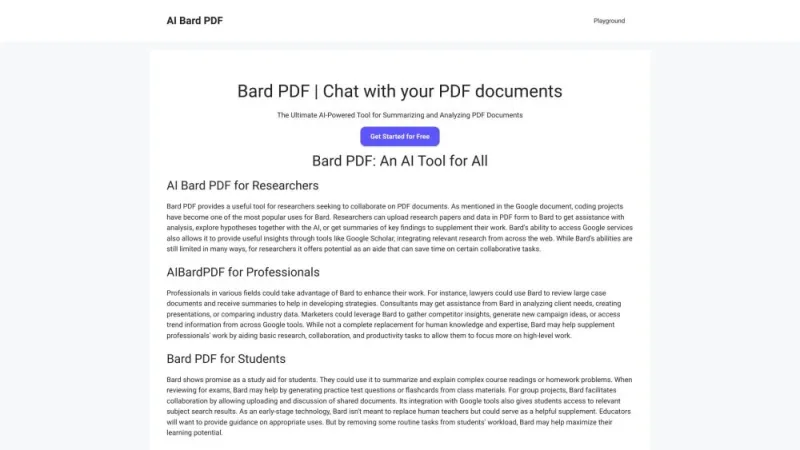
AI Bard PDF

AI Bard PDF↗

5K

This online platform offers a user-friendly solution for converting various file formats into PDF. It supports a wide range of input formats, ensuring compatibility with numerous document types. The service is designed for simplicity, allowing users to easily upload files and receive high-quality PDF conversions in just a few clicks. It emphasizes security and privacy, ensuring that uploaded files are handled with care and deleted after processing. The platform is accessible from any device with an internet connection, making it convenient for users to manage their documents on the go. No software installation is required, streamlining the conversion process.

USA16.37%
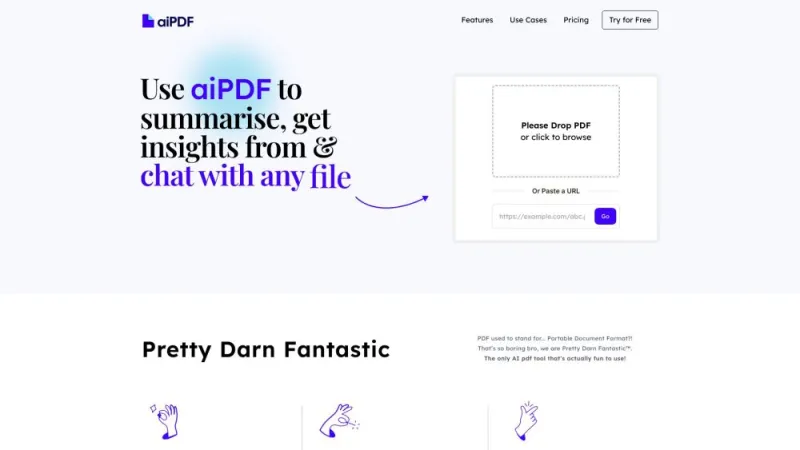
AI PDF

AI PDF↗

66K

This innovative platform offers a seamless way to interact with PDF documents using advanced artificial intelligence. Users can effortlessly upload their PDF files and receive intelligent summaries, detailed analyses, and even answers to specific questions about the content. The service is designed to enhance productivity by providing quick insights and saving time on document review. With a user-friendly interface and robust AI capabilities, it caters to professionals, students, and anyone needing efficient document management. The platform supports multiple languages and ensures data privacy, making it a versatile tool for global users seeking smarter document handling solutions.

India8.85%
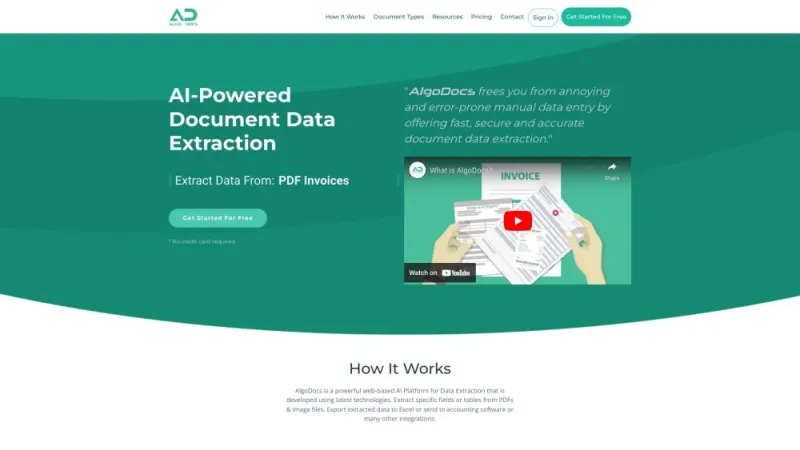
AlgoDocs

AlgoDocs↗

38K

This online platform offers a robust solution for document automation and management. Users can effortlessly create, edit, and manage a wide range of documents with advanced AI-driven tools. The service supports seamless integration with various data sources, ensuring real-time updates and accuracy. Its intuitive interface caters to both technical and non-technical users, making document handling efficient and user-friendly. Enhanced security features protect sensitive information, while customizable templates streamline repetitive tasks. Ideal for businesses of all sizes, the platform boosts productivity by automating routine document-related processes, allowing teams to focus on more strategic activities.

Andorra6.22%
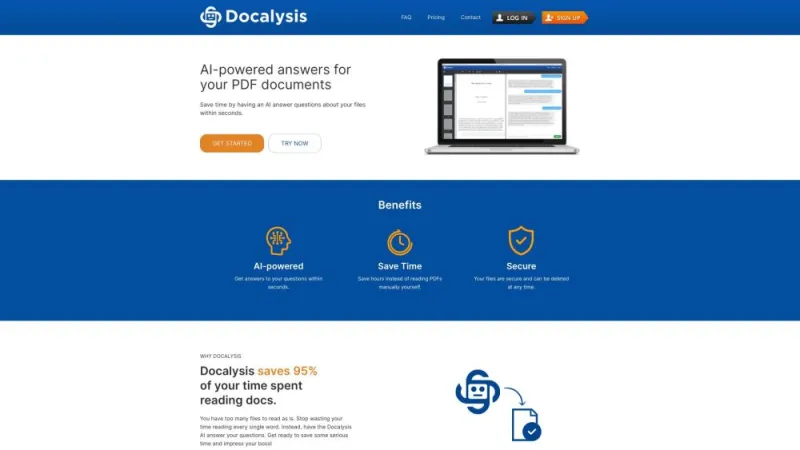
Docalysis

Docalysis↗

299K

This platform offers advanced document analysis powered by artificial intelligence. It enables users to upload various types of documents and receive detailed insights almost instantly. The service supports a wide range of document formats, including PDFs, Word files, and images. It excels in extracting key information, summarizing content, and identifying critical data points. Designed for professionals and businesses, it enhances productivity by automating the tedious task of manual document review. The user-friendly interface ensures a seamless experience, making it accessible even for those with minimal technical expertise. Security features are robust, ensuring that sensitive information remains protected.

Brazil12.64%
Formix

Formix↗

< 1K

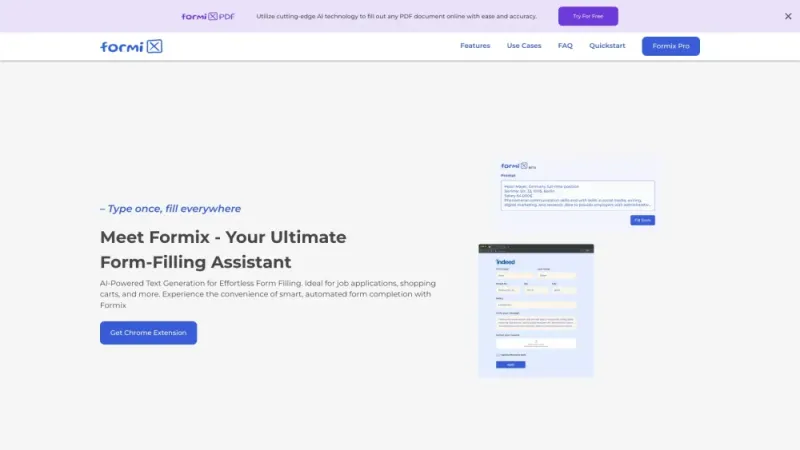
This platform offers advanced AI-driven solutions designed to streamline and enhance business processes. It provides tools for creating custom forms, automating workflows, and integrating data seamlessly across various applications. Users can benefit from its intuitive interface, which simplifies the creation and management of complex forms without requiring extensive technical knowledge. The platform also features robust analytics and reporting capabilities, allowing businesses to gain valuable insights and make data-driven decisions. Its scalable architecture ensures it can accommodate the needs of both small businesses and large enterprises, making it a versatile solution for a wide range of industries.

Free Doc Translator

Free Doc Translator↗

671K

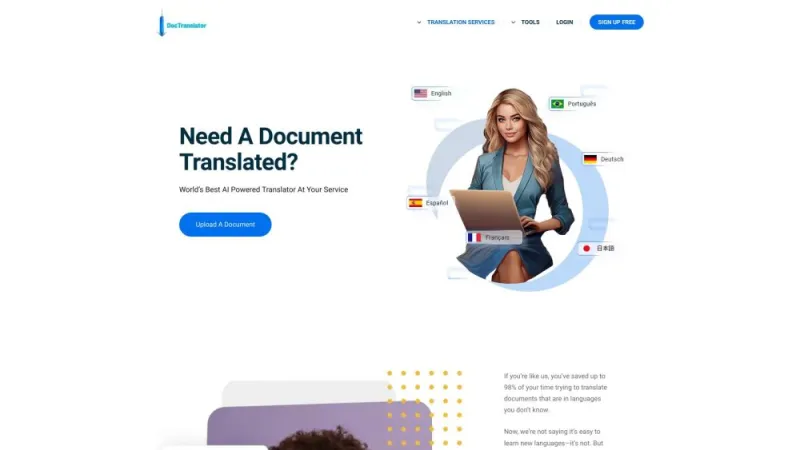
This online platform offers a seamless way to translate documents into various languages. Users can upload files in formats such as PDF, Word, and Excel, and receive translated versions quickly and accurately. The service supports over 100 languages, making it versatile for global communication needs. It's designed to maintain the original formatting of documents, ensuring that the translated version looks just like the original. The platform is user-friendly, requiring no special software or technical skills. Security is a priority, with all uploaded documents being deleted from the servers after processing to protect user privacy.

Brazil8.00%
GetSearchablePDF

GetSearchablePDF↗

< 1K

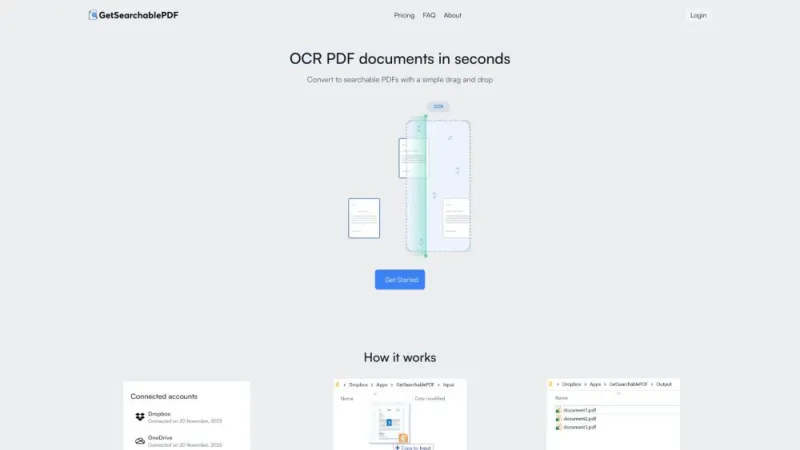
This website offers a powerful tool for converting various document formats into searchable PDF files. It supports a wide range of input types, including images and scanned documents, and utilizes advanced OCR (Optical Character Recognition) technology to ensure text within these files can be easily searched and indexed. The platform is user-friendly, requiring no special software installation, and provides quick, accurate results. Ideal for professionals needing to manage large volumes of documents, it enhances productivity by making information retrieval more efficient. Secure and reliable, it ensures your data is processed with utmost confidentiality and accuracy.

USA37.14%
Go Global World

Go Global World↗

19K

This platform offers comprehensive services for individuals and businesses seeking to expand their global reach. It provides tailored solutions for international education, immigration, and business development. Users can explore various programs and opportunities to study, work, or start a business abroad. The site features a user-friendly interface, detailed guides, and expert consultations to assist in navigating complex processes. Additionally, it offers resources for language learning and cultural adaptation to ensure a smooth transition. The platform aims to empower users with the knowledge and tools needed to achieve their international goals efficiently and successfully.

Germany18.71%
GoPDF

GoPDF↗

84K

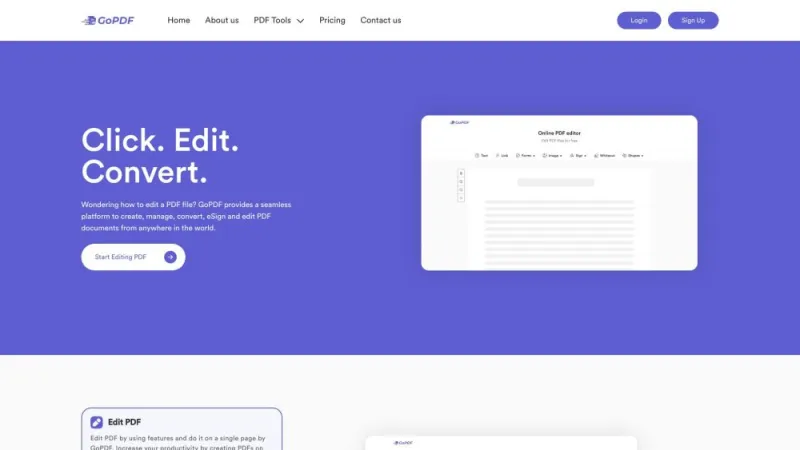
This online platform offers a comprehensive suite of tools for managing PDF documents. Users can effortlessly merge, split, compress, and convert PDF files to various formats such as Word, Excel, and PowerPoint. The intuitive interface ensures that even those with minimal technical expertise can navigate and utilize the features effectively. Additionally, the platform supports secure handling of documents, ensuring user data privacy and protection. With a focus on efficiency and user-friendliness, it serves as an invaluable resource for both personal and professional document management needs, streamlining workflows and enhancing productivity.

USA6.75%
Helper Systems

Helper Systems↗

< 1K

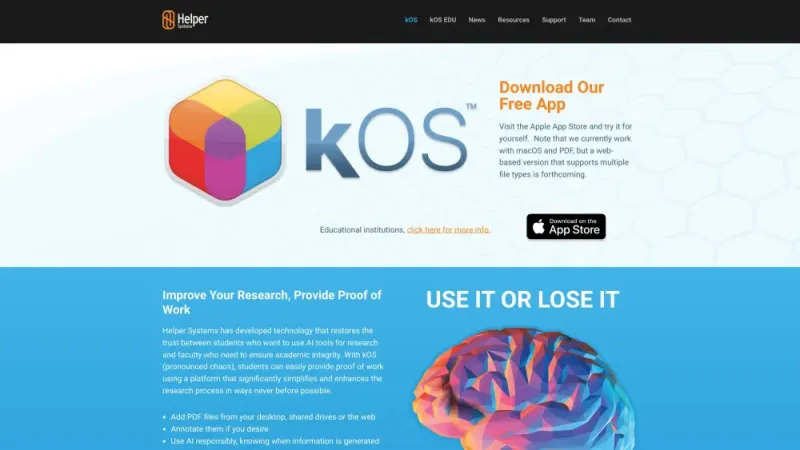
This website offers comprehensive IT solutions tailored to meet the diverse needs of businesses. It specializes in providing cutting-edge technology services, including system integration, cybersecurity, and cloud computing. The platform is designed to enhance operational efficiency and security, ensuring that companies can focus on their core activities without worrying about IT issues. With a team of experienced professionals, the site guarantees personalized support and innovative solutions. The user-friendly interface and detailed service descriptions make it easy for clients to find exactly what they need. Overall, it is a reliable partner for businesses looking to optimize their IT infrastructure.

USA22.20%
LightPDF

LightPDF↗

520K

This online platform offers a comprehensive suite of tools for managing PDF documents effortlessly. Users can convert, merge, split, compress, and edit PDFs directly in their web browser without needing to download any software. The service supports various file formats, ensuring seamless conversion to and from PDF. It also provides features like OCR for text recognition and secure encryption to protect sensitive information. The user-friendly interface ensures that even those with minimal technical skills can navigate and utilize the tools effectively. Additionally, it offers both free and premium options, catering to different user needs and preferences.

Japan11.29%
Papermerge AI

Papermerge AI↗

20K

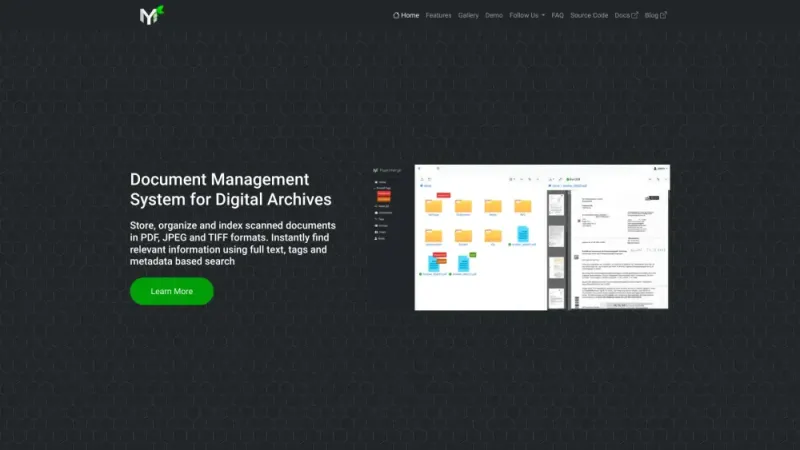
This website offers an open-source document management system designed to streamline the organization and retrieval of digital documents. It allows users to upload, categorize, and search through scanned documents and PDFs with ease. The platform leverages OCR (Optical Character Recognition) technology to convert images and scanned files into searchable text, enhancing accessibility and efficiency. Users can create folders, apply tags, and set permissions to manage their documents securely. The system supports various file formats and provides a user-friendly interface for seamless navigation. Ideal for both individuals and businesses, it simplifies document handling and promotes a paperless environment.

Germany13.07%

What is AI PDF

AI PDF represents a groundbreaking fusion of artificial intelligence and traditional document processing, revolutionizing the way we interact with Portable Document Format (PDF) files. This innovative technology harnesses the power of machine learning algorithms to enhance, analyze, and manipulate PDFs with unprecedented efficiency and accuracy. By integrating AI capabilities into PDF processing, users can unlock a wealth of possibilities, from advanced text recognition and data extraction to intelligent document organization and automated form filling.

At its core, AI PDF technology aims to transform static documents into dynamic, interactive resources. It goes beyond simple text recognition, employing sophisticated algorithms to understand context, extract meaningful information, and even make predictions based on document content. This intelligent approach to PDF handling opens up new avenues for businesses and individuals alike, streamlining workflows, reducing manual labor, and uncovering insights that might otherwise remain hidden within vast document repositories.

How does AI PDF tools work?

AI PDF tools operate on a complex framework of machine learning models and natural language processing techniques. These advanced systems work by:

  1. Optical Character Recognition (OCR) Enhancement: AI-powered OCR goes beyond traditional text recognition, accurately deciphering handwritten notes, complex layouts, and even damaged documents.
  2. Semantic Analysis: Advanced algorithms analyze the context and relationships between different elements in a PDF, understanding the document's structure and meaning.
  3. Data Extraction and Classification: AI models identify and categorize key information within PDFs, such as names, dates, financial figures, or specific terms relevant to the user's needs.
  4. Natural Language Processing (NLP): These tools can understand and interpret human language within PDFs, enabling advanced search capabilities, summarization, and even translation.
  5. Machine Learning-Based Prediction: By analyzing patterns across multiple documents, AI PDF tools can make intelligent predictions or suggestions, such as automatically categorizing new documents or flagging potential errors.

The integration of these AI capabilities creates a powerful ecosystem for PDF management and analysis. As users interact with the system, it continuously learns and improves, adapting to specific document types, industry jargon, and user preferences. This adaptive learning ensures that AI PDF tools become increasingly accurate and efficient over time, providing tailored solutions for various industries and use cases.

Best AI PDF

The most effective AI PDF solutions offer a comprehensive suite of features designed to address various document processing needs. While specific tools may vary, the best AI PDF platforms typically include:

  • Advanced Text Recognition: State-of-the-art OCR capabilities that can accurately transcribe text from various fonts, languages, and even handwritten notes.
  • Intelligent Data Extraction: Tools that can automatically identify and extract specific types of information, such as invoice details, legal clauses, or scientific data.
  • Smart Document Organization: AI-powered systems that can automatically categorize, tag, and file PDFs based on their content, making retrieval and management effortless.
  • Interactive PDF Editing: Features that allow users to edit PDFs as easily as word processing documents, with AI assistance for formatting and layout preservation.
  • Automated Form Processing: Tools that can not only fill out forms automatically but also create interactive, AI-powered forms from static PDFs.
  • Content Summarization and Analysis: AI algorithms that can generate concise summaries of lengthy documents and provide insights into key themes and sentiments.

The best AI PDF solutions seamlessly integrate these features into an intuitive, user-friendly interface. They prioritize data security and privacy while offering scalability to accommodate varying volumes of documents and complexity of tasks. Moreover, top-tier platforms provide extensive customization options, allowing users to tailor the AI PDF tools to their specific industry requirements, workflow preferences, and compliance needs.

AI PDF Tools

AI PDF tools encompass a wide range of applications designed to enhance various aspects of PDF creation, editing, and analysis. These innovative solutions leverage artificial intelligence to streamline document workflows, improve accuracy, and uncover valuable insights. Some key categories of AI PDF tools include:

  1. AI-Powered PDF Converters: These tools use machine learning algorithms to accurately convert PDFs to editable formats like Word or Excel, preserving complex layouts and formatting.
  2. Intelligent PDF Editors: Advanced editing platforms that use AI to suggest layout improvements, automate formatting, and even assist with content creation within PDFs.
  3. AI-Driven PDF Analyzers: Tools that can quickly scan through large volumes of PDFs, extracting key information, identifying patterns, and generating insightful reports.
  4. Smart PDF Compressors: AI-powered compression tools that can significantly reduce PDF file sizes without compromising quality, using intelligent algorithms to optimize images and text.
  5. Automated PDF Accessibility Tools: AI systems that can automatically enhance PDFs for accessibility, adding tags, alternative text for images, and ensuring compliance with standards like WCAG.

By integrating these AI-powered tools into their document workflows, users can significantly enhance their productivity and the value they derive from their PDF documents. The AI components work tirelessly in the background, analyzing content, identifying patterns, and providing valuable insights that empower users to make better decisions and work more efficiently. As these tools continue to evolve, they are becoming increasingly sophisticated in their ability to understand context, anticipate user needs, and provide personalized document solutions.

AI PDF Free

In the dynamic landscape of AI PDF technology, a diverse array of tools and platforms are available to suit various needs and budgets. At aitophub.com, you can discover both premium and free AI PDF tools, ensuring that individuals and organizations of all sizes can benefit from these innovative technologies. While paid solutions often offer more advanced features and greater customization options, free AI PDF tools can provide significant value, especially for those just beginning to explore the potential of AI-assisted document processing.

Free AI PDF tools often include essential features such as:

  • Basic OCR Functionality: Simple text recognition capabilities for converting image-based PDFs to searchable text.
  • Limited PDF Editing: Basic tools for making simple edits to PDF content, such as text modifications or image insertions.
  • Simple PDF Conversion: Tools for converting PDFs to common file formats like Word or JPG, with basic AI assistance for layout preservation.
  • Starter PDF Analysis: Basic AI-driven tools for extracting key information or generating simple summaries from PDFs.
  • Introductory PDF Compression: Simple AI-assisted compression tools to reduce PDF file sizes.

While free tools may have limitations in terms of the number of pages processed, advanced AI features, or cloud storage options, they offer an excellent starting point for individuals and small teams to experience the benefits of AI-enhanced PDF processing. These tools allow users to test different approaches, identify their specific needs, and make informed decisions about potential investments in more comprehensive AI PDF solutions.

As you explore the diverse array of AI PDF tools available, consider your unique requirements, workflow preferences, and long-term document management goals. Whether you opt for a free starter tool or a more advanced paid solution, the key is to choose a platform that aligns with your needs and enhances your document processing efficiency. By leveraging the power of AI in your PDF workflows, you can unlock new levels of productivity, accuracy, and insight in today's data-driven world.