Image
We’ll help you to find the best AI tools for your everyday tasks in work with Image
462 tools available in this category.
AI Avatar Generator32
AI Photo Restoration2
AI Photo & Image Generator137
AI Text to Image26
AI Profile Picture Generator21
AI Photo & Image Editor30
AI Image to Image11
AI Selfie & Portrait8
AI Photo Enhancer11
AI Illustration Generator6
AI Banner Generator3
AI Image Enhancer31
AI Background Generator13
AI Image Recognition27
AI Charting10
AI Logo Generator10
AI Clothing Generator19
AI Cover Generator1
AI Wallpaper Generator3
AI Icon Generator5
AI Face Swap Generator12
AI Image Scanning1
AI Poster Generator0
AI Photography4
AI Tattoo Generator3
AI Emoji Generator4
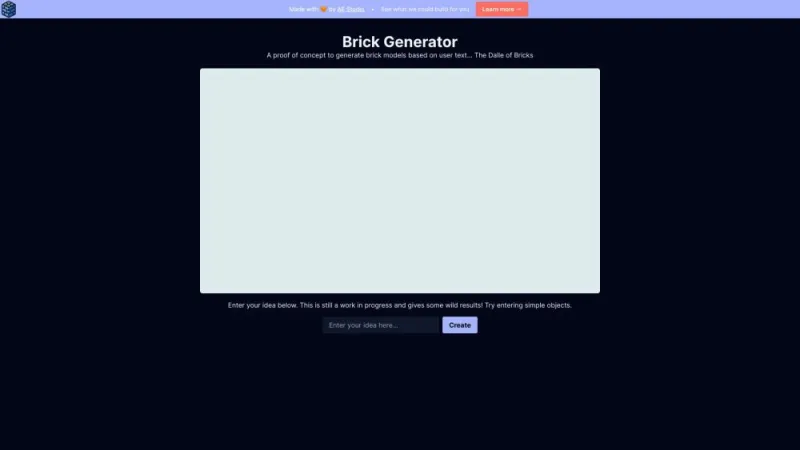
Brick Generator↗
< 1K
This intuitive online platform allows users to create custom LEGO brick designs effortlessly. By offering a variety of tools and features, it enables enthusiasts to generate unique, intricate patterns and structures. Users can upload their own images or choose from a gallery of pre-existing designs, which the platform then converts into detailed brick layouts. The interface is user-friendly, making it accessible for both beginners and advanced users. Additionally, it provides options for exporting and sharing designs, fostering a community of creativity and collaboration. This site is a perfect resource for hobbyists looking to bring their imaginative brick creations to life.
 22.59%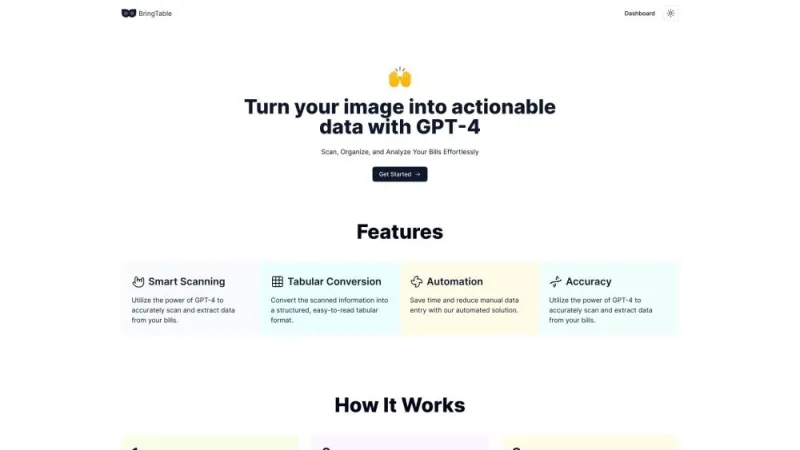
BringTable↗
< 1K
This platform offers a seamless way to discover and book private dining experiences. It connects users with a variety of unique venues, ranging from intimate settings to grand banquet halls. Users can browse detailed profiles of each location, complete with photos, amenities, and reviews. The site also allows for easy communication with venue managers to tailor the event to specific needs. Whether planning a corporate gathering, family celebration, or social event, this service simplifies the process, ensuring a memorable experience. The intuitive interface and comprehensive search options make finding the perfect venue both quick and effortless.
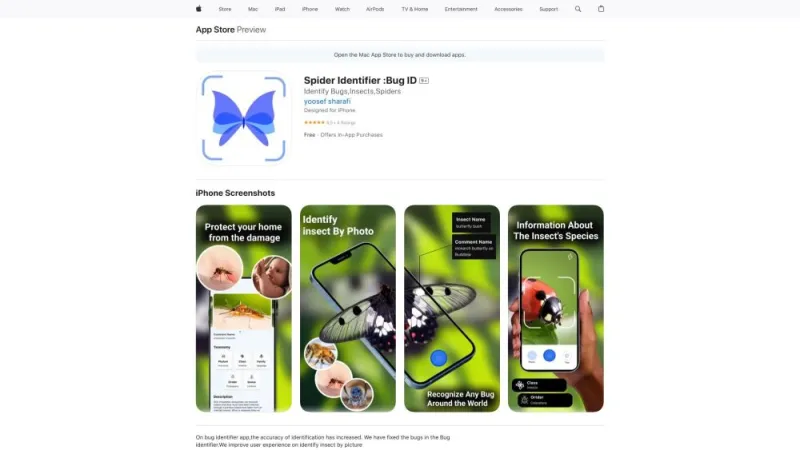
Bug Identifier↗
< 1K
This app offers a powerful tool for identifying various insects, spiders, and bugs using your iPhone. Simply take a photo of the creature, and the app will analyze the image to provide detailed information about its species. It features a comprehensive database with thousands of entries, ensuring accurate identifications. Users can also access additional resources such as habitat information, behavior patterns, and potential risks. The app is designed for both amateur enthusiasts and professional entomologists, making it a versatile tool for anyone interested in the world of insects. Regular updates ensure the database remains current and reliable.
24.06%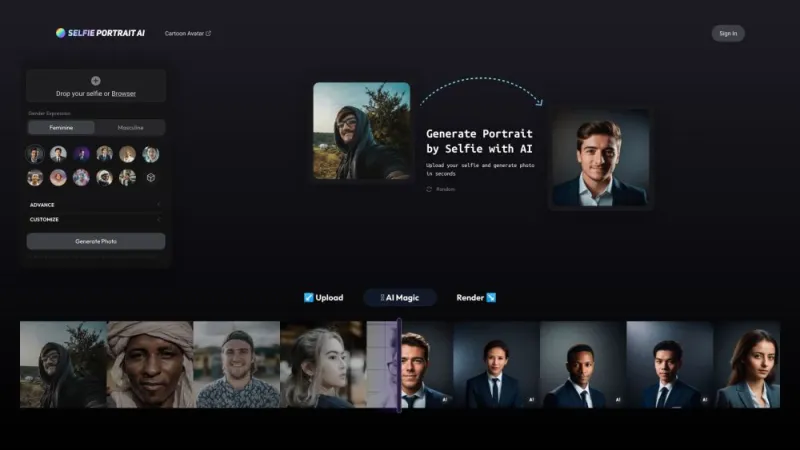
Business Portrait AI↗
< 1K
This website specializes in professional business portrait photography, offering high-quality images tailored to enhance corporate profiles and personal branding. The platform provides a seamless booking process, detailed service descriptions, and showcases a portfolio of previous work to demonstrate expertise and style. Clients can choose from various packages suited to different needs, whether for individual headshots, team photos, or executive portraits. Emphasizing professionalism and creativity, the service aims to capture the essence of each subject, ensuring that their personality and professionalism are effectively conveyed through the final images. The site also includes testimonials and contact information for easy communication.
 28.37%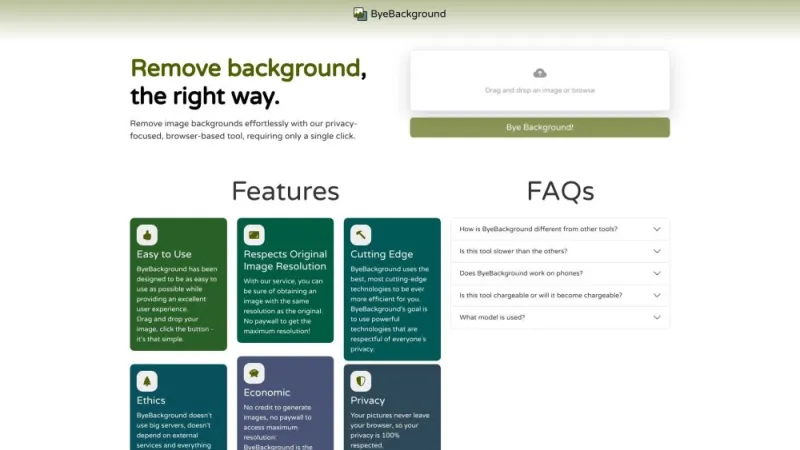
ByeBackground↗
< 1K
This website offers a powerful tool for removing backgrounds from images quickly and efficiently. Users can upload their photos, and the advanced AI technology will automatically detect and erase the background, leaving a clean, transparent image. It's perfect for creating professional-looking photos for social media, marketing materials, or personal projects. The service supports various file formats and provides high-quality results with minimal effort. Additionally, the user-friendly interface ensures a seamless experience, making it accessible even for those with limited technical skills. No software installation is required, making it convenient and hassle-free.
Camp↗
< 1K
This platform offers a comprehensive solution for organizing and managing productive meetings. It allows users to create agendas, assign tasks, and track progress seamlessly. The intuitive interface ensures that team collaboration is efficient and straightforward. Users can also integrate their existing tools, such as Google Calendar and Slack, to streamline workflows. Additionally, the platform provides analytics and insights to help improve meeting outcomes over time. Whether for small teams or large organizations, it aims to enhance productivity and ensure that every meeting is purposeful and effective. The focus is on making meetings more actionable and less time-consuming.
41.21%
Camp AI↗
< 1K
This platform offers a comprehensive solution for managing and organizing events, projects, and teams. It provides tools for scheduling, task assignment, and communication, ensuring seamless collaboration among members. Users can create detailed project plans, set deadlines, and monitor progress with ease. The interface is user-friendly, featuring drag-and-drop functionality and customizable templates to suit various needs. Integration with popular third-party apps enhances its versatility, making it suitable for businesses of all sizes. Additionally, the platform supports real-time updates and notifications, keeping everyone informed and on track. Security measures are robust, ensuring data protection and privacy for all users.
41.21%
Cand - Background Removal↗
< 1K
This website offers a powerful tool designed to help users remove unwanted objects, watermarks, and blemishes from their photos. With an intuitive interface and advanced algorithms, it allows for seamless editing, ensuring that images look natural and untouched. Users can easily upload their photos, select the areas they want to edit, and let the tool do the rest. The platform supports various file formats and provides quick processing times, making it ideal for both amateur photographers and professionals. Additionally, the service is accessible online, requiring no downloads or installations, ensuring convenience and ease of use.
 47.02%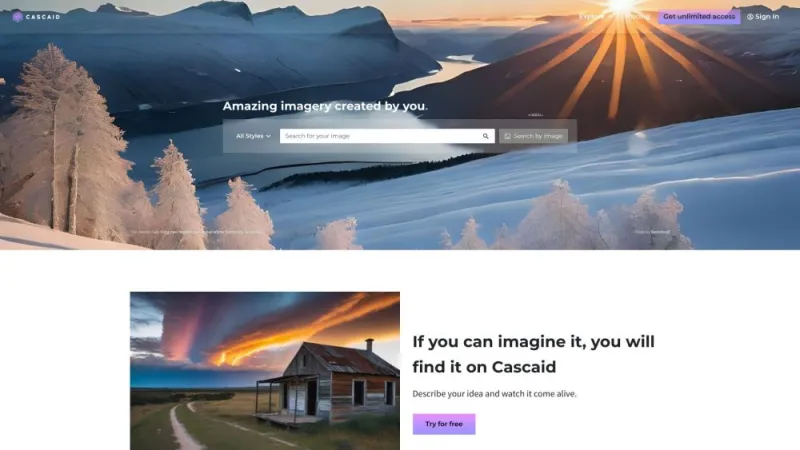
Cascaid↗
< 1K
This platform provides innovative solutions for businesses seeking to optimize their customer engagement and streamline operations. It offers a suite of tools designed to enhance communication, manage customer relationships, and drive growth through data-driven insights. Users can leverage automated systems to improve efficiency and personalize interactions, ensuring a seamless experience for both customers and employees. The platform integrates with existing systems, providing a comprehensive approach to managing customer data and analytics. With a focus on user-friendly design and robust functionality, it empowers businesses to make informed decisions and achieve their goals more effectively.
30.65%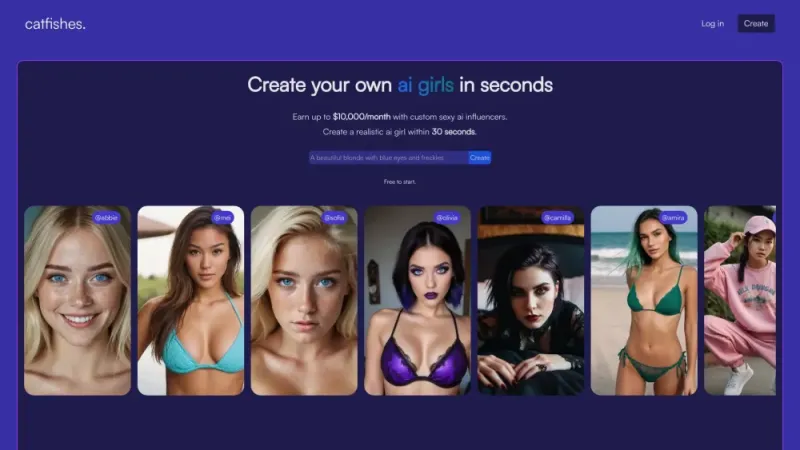
Catfishes↗
< 1K
This innovative platform is dedicated to connecting catfish enthusiasts and hobbyists from around the world. Users can explore a vast array of information on different catfish species, including care tips, habitat requirements, and feeding guidelines. The site features a community forum where members can share experiences, ask questions, and offer advice. Additionally, it provides access to a marketplace for buying and selling catfish and related supplies. With a user-friendly interface and regularly updated content, this resource serves as a comprehensive hub for anyone interested in catfish, from beginners to seasoned aquarists.
ChartAI↗
19K
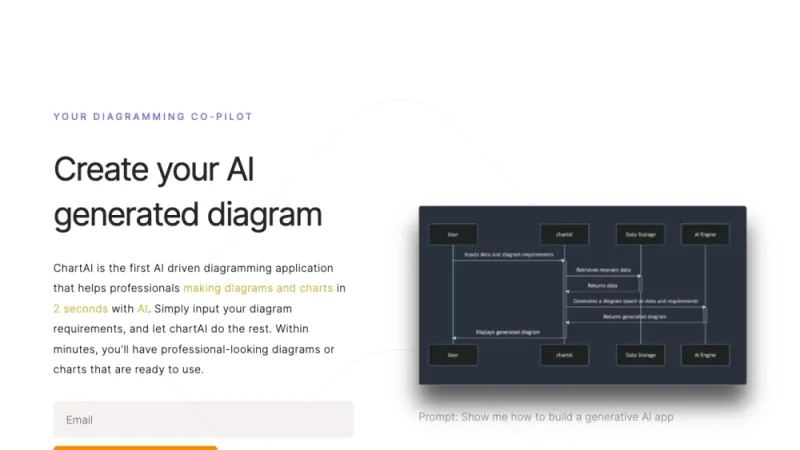
This innovative platform offers users the ability to generate custom charts effortlessly using artificial intelligence. It supports a variety of chart types, including bar, line, and pie charts, making it versatile for different data visualization needs. Users can upload their datasets or input data manually to create visually appealing and informative charts. The interface is user-friendly, ensuring that even those with minimal technical skills can navigate and utilize its features effectively. Additionally, the platform provides customization options such as color schemes, labels, and legends, allowing users to tailor their charts to specific requirements. It’s an essential tool for anyone needing quick, professional-grade charts.
 12.76%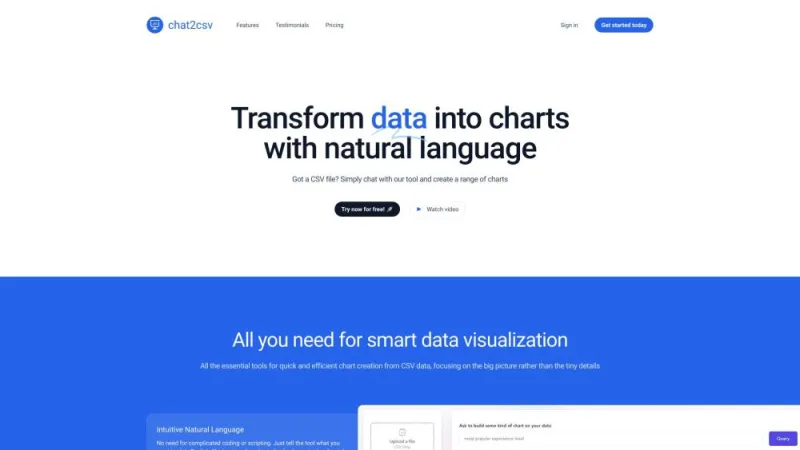
Chat2CSV↗
< 1K
This innovative platform allows users to effortlessly convert chat conversations into CSV files. Ideal for both personal and professional use, it supports a wide range of chat applications including WhatsApp, Telegram, and more. The user-friendly interface ensures a seamless experience, enabling you to upload chat histories and download organized CSV files in just a few clicks. This tool is perfect for data analysis, record-keeping, and archiving important conversations. Security and privacy are prioritized, ensuring your data remains confidential throughout the process. Save time and enhance productivity with this efficient chat-to-CSV conversion solution.
 25.91%
What is AI Image Tools
AI Image Tools represent a revolutionary leap in digital image processing and creation. These cutting-edge technologies harness the power of artificial intelligence to transform the way we interact with visual content. From enhancing photo quality to generating entirely new images from text descriptions, AI Image Tools are reshaping the landscape of graphic design, photography, and digital art.
At their core, these tools utilize complex algorithms and machine learning models trained on vast datasets of images. This training allows them to understand and manipulate visual elements in ways that were previously impossible or extremely time-consuming. Whether you're a professional designer, a hobbyist photographer, or simply someone who enjoys creating and sharing visual content, AI Image Tools offer a wide array of possibilities to explore and enhance your creative process.
How does AI Image Tools work?
The functionality of AI Image Tools is based on sophisticated neural networks and deep learning algorithms. These systems are designed to analyze and process visual data in a manner that mimics human perception and creativity. Here's a simplified breakdown of how these tools typically operate:
- Input Processing: The tool receives an input, which can be an existing image or a text description, depending on the specific application.
- Analysis: The AI analyzes the input, breaking it down into recognizable patterns, features, and elements.
- Application of Learned Patterns: Drawing from its training on millions of images, the AI applies relevant patterns and techniques to the task at hand.
- Generation or Modification: Based on the analysis and learned patterns, the tool either generates a new image or modifies the existing one according to the user's specifications.
- Output: The final result is presented to the user, often with options for further refinement or adjustment.
This process happens in a matter of seconds, allowing for rapid iterations and experimentation. The speed and capability of these tools continue to improve as AI technology advances, opening up new possibilities for creative expression and problem-solving in the visual domain.
Best AI Image Tools
The landscape of AI Image Tools is diverse and rapidly evolving, with new offerings emerging regularly. While specific tool recommendations may change over time, there are several key features and capabilities to look for when evaluating the best AI Image Tools:
- Image Generation: The ability to create original images from text descriptions, often referred to as text-to-image generation.
- Image Editing: Advanced editing capabilities that go beyond traditional photo editing software, such as intelligent object removal or replacement.
- Style Transfer: The capacity to apply the artistic style of one image to another, creating unique visual mashups.
- Resolution Enhancement: Tools that can intelligently upscale low-resolution images without loss of quality.
- Colorization: The ability to add realistic color to black and white images.
- Background Removal: Automated and precise removal of image backgrounds with minimal user input.
- Face Manipulation: Tools for altering facial features, expressions, or even creating entirely new faces.
When choosing the best AI Image Tool for your needs, consider factors such as ease of use, output quality, processing speed, and integration with other software you frequently use. It's also worth noting that many top-tier AI Image Tools offer free trials or tiered pricing models, allowing you to experiment with different options before committing to a particular tool.
AI Image Tools
The range of AI Image Tools available today caters to a wide variety of needs and skill levels. From professional-grade software used in film and advertising industries to user-friendly mobile apps accessible to casual creators, there's an AI Image Tool for virtually every use case. Here are some common categories of AI Image Tools and their primary functions:
- Image Generators: These tools create images from textual descriptions, allowing users to bring their ideas to life without traditional drawing or design skills.
- Photo Enhancers: Designed to improve image quality, these tools can sharpen details, reduce noise, and even reconstruct missing parts of an image.
- Style Transfer Apps: These applications allow users to apply the artistic style of famous paintings or other images to their own photos.
- Colorization Tools: Specialized in adding realistic color to black and white or sepia-toned images.
- Background Removers: These tools automatically detect and remove image backgrounds, simplifying the process of creating product photos or composite images.
- Face Editors: Focused on facial manipulation, these tools can change expressions, age faces, or even create entirely new, realistic human faces.
- 3D Modeling Assistants: While still emerging, these tools help create or modify 3D models using AI, potentially revolutionizing fields like architecture and product design.
As AI technology continues to advance, we can expect these tools to become even more sophisticated, blurring the lines between human and machine-generated art. This evolution promises to democratize creative expression, allowing individuals with diverse skill sets to produce high-quality visual content.
AI Image Tools Free
For those exploring the world of AI-powered image manipulation and creation, it's important to note that a wide range of options is available, including both paid and free tools. Many developers and companies offer free versions or tiers of their AI Image Tools, allowing users to experiment with the technology without financial commitment.
Free AI Image Tools often provide a subset of features found in their paid counterparts, but can still be remarkably powerful. These tools are excellent for:
- Beginners looking to understand the capabilities of AI in image processing
- Hobbyists who need occasional access to advanced image manipulation features
- Students working on projects or learning about AI and digital art
- Professionals evaluating different tools before making a purchase decision
While free tools may have limitations such as lower resolution outputs, watermarks, or restricted usage quotas, they can still produce impressive results. Many free AI Image Tools also offer the option to upgrade to paid versions for access to more features, higher quality outputs, or increased usage limits.
When exploring free AI Image Tools, it's advisable to read the terms of service carefully, particularly regarding the ownership and usage rights of the images you create. Some platforms may retain certain rights to images generated using their free tools, which could be a consideration for commercial or copyright-sensitive projects.
Ultimately, whether you choose free or paid AI Image Tools depends on your specific needs, project requirements, and budget. By offering a mix of both options, the platform ensures that users can find the right tool for their unique circumstances, making the power of AI-driven image creation and manipulation accessible to a broad audience.